Sample
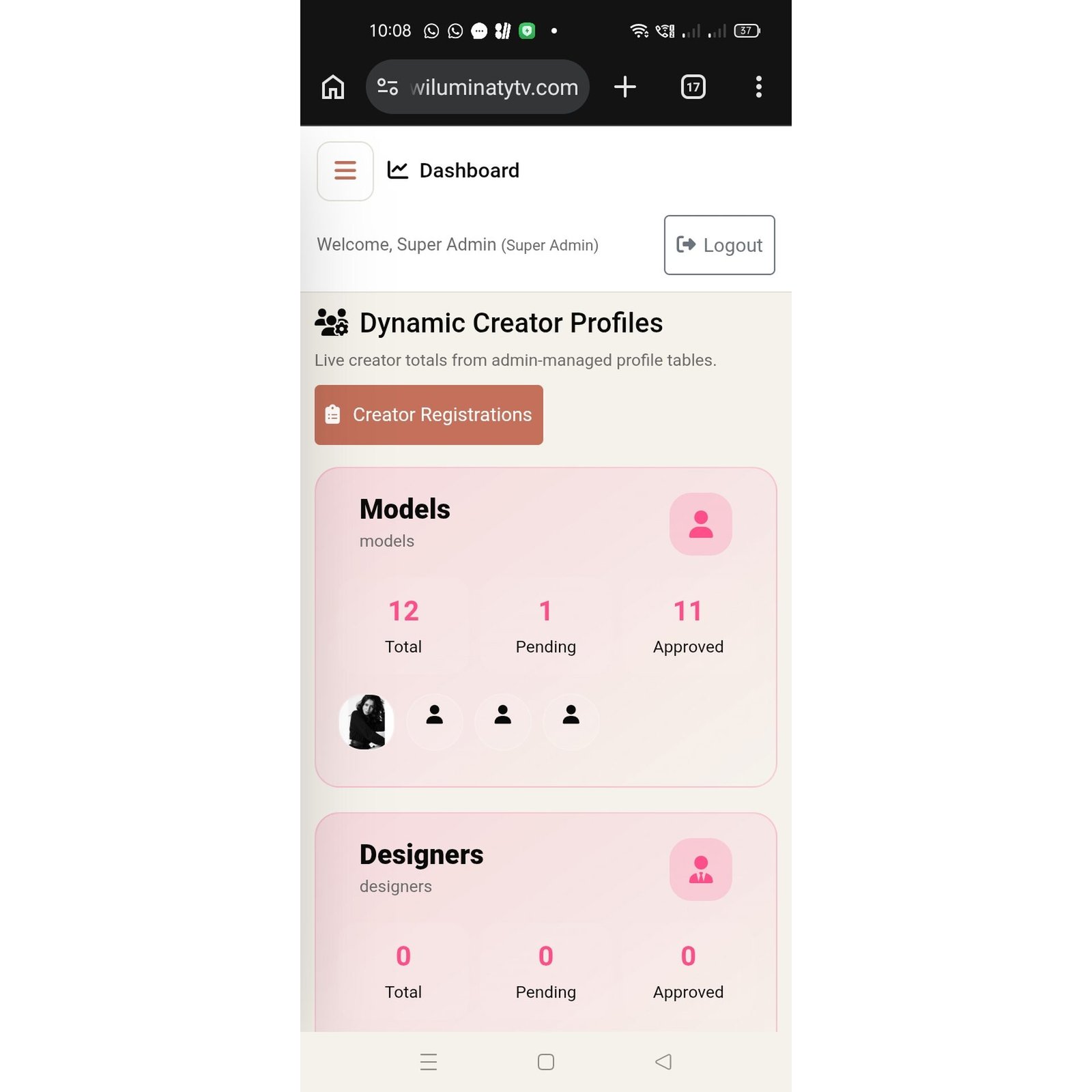
Log in You said: IMG-20260910-WA0018-1024.jpg Why I am getting this error message while everyone is able to open website in there laptop and mobile devices ChatGPT said: The error in your screenshot is DNS_PROBE_FINISHED_NXDOMAIN. This is usually a DNS problem on your phone/network, not a problem with the website itself. I checked the domain, and wiluminatytv.com is currently reachable from the internet. W Wiluminaty TV +1 Why this can happen only on your phone Your phone is asking a DNS server: “What IP address belongs to www.wiluminatytv.com?” The DNS server being used by your phone/network is apparently responding that the domain doesn't exist (NXDOMAIN), even though other DNS servers can resolve it. Try these in order 1. First, try without www Open: wiluminatytv.com Your screenshot is specifically trying to reach www.wiluminatytv.com. It's possible the www DNS record is the part causing the problem. 2. Switch your connection If you're currently on mobile data, connect to Wi-Fi and try again. If you're on Wi-Fi, turn Wi-Fi off and try mobile data. This is a very useful test: Works on Wi-Fi → mobile carrier DNS issue Works on mobile data → Wi-Fi/router/ISP DNS issue Doesn't work on either → phone DNS/cache/settings are more likely 3. Change Private DNS on Android Go to: Settings → Network & Internet / Connections → Private DNS If it is set to a custom provider, change it to: Automatic Then try the website again. Alternatively, you can test with a reputable DNS provider such as Google DNS (dns.google) or Cloudflare DNS (1dot1dot1dot1.cloudflare-dns.com), depending on what your phone's settings support. 4. Clear Chrome DNS/cache In Chrome, you can try: Chrome → Settings → Privacy and security → Delete browsing data Clear cached files, then completely close Chrome and reopen it. 5. Restart your phone This sounds basic, but it can clear a stale DNS/network state.
More Images
Sample
More news...
Fashion as a Form of Self-Expression: A Reflection of Identity and Culture

Fashion Trends: Causes and Effects

Men’s Fashion and Shopping Habits: Trends, Preferences, and Consumer Behavior

The Role of Technologies in the Fashion Industry: Innovation and Transformation